Completely free · Mac private beta

Understand the code AI writes.

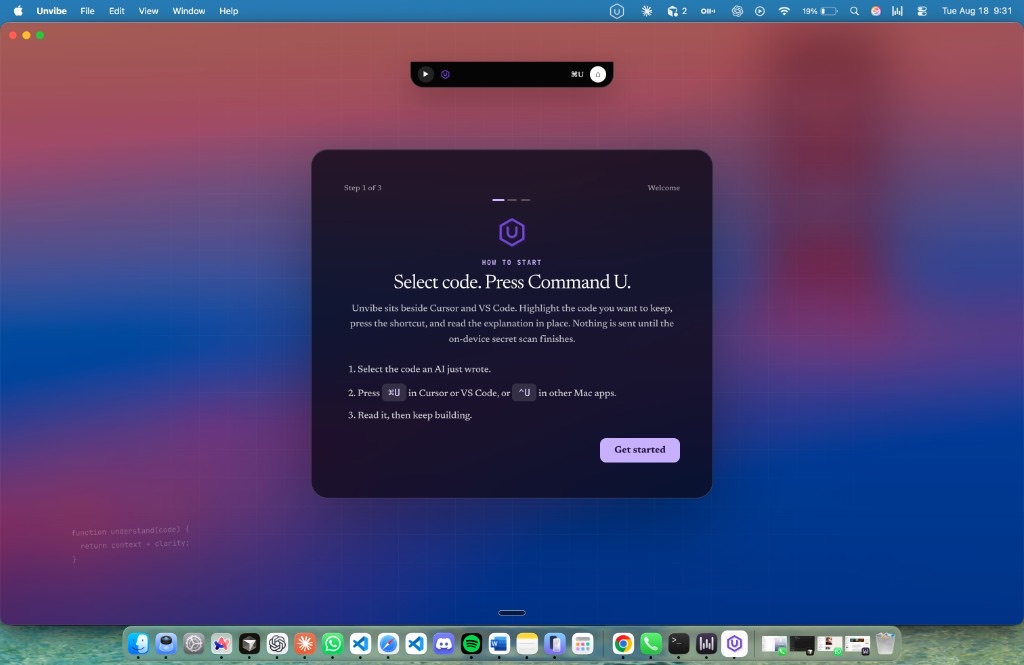
Agents ship faster than people can learn. Unvibe sits beside Cursor, VS Code, and your terminal: select code, pick a depth, get a clear explanation, then prove you understood it—without leaving your workflow.

  • Explains selections, diffs, functions, and project structure
  • Five depths: first time through expert tradeoffs
  • Free for everyone in beta. No credit card. No pricing wall.
TypeScript
JavaScript
Python
React
Go
Rust
SQL
Cursor
VS Code
GitHub
Terminal
Swift
TypeScript
JavaScript
Python
React
Go
Rust
SQL
Cursor
VS Code
GitHub
Terminal
Swift

See the product

Overlay in the editor. Companion for everything you keep.

Unvibe is not another course catalog. It turns the code you already wrote—or your agent wrote—into explanations, checks, and a knowledge trail.

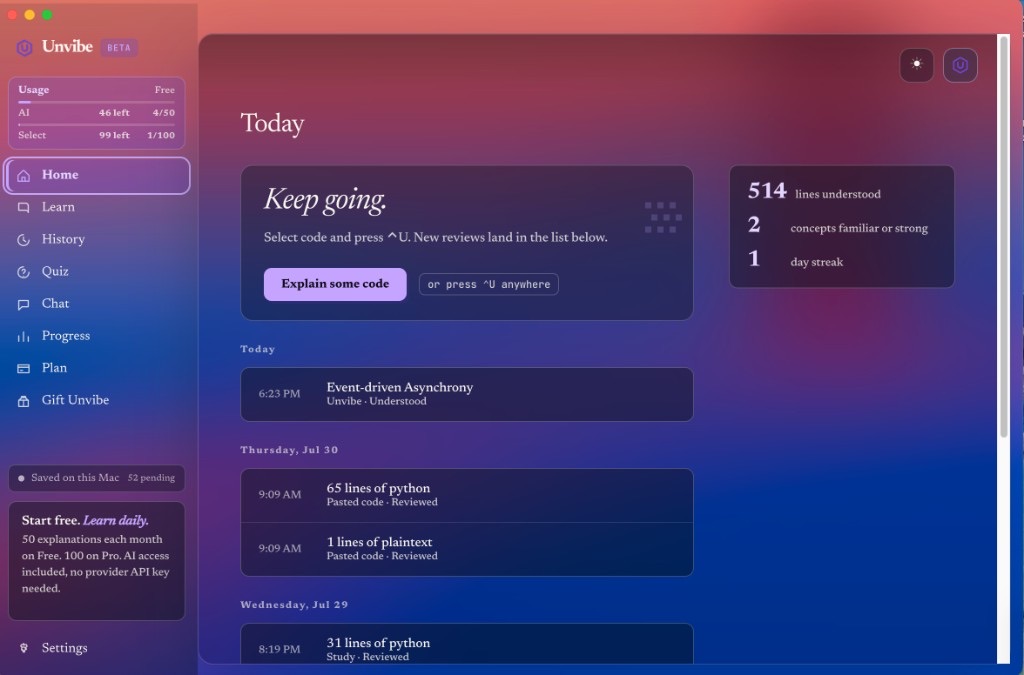
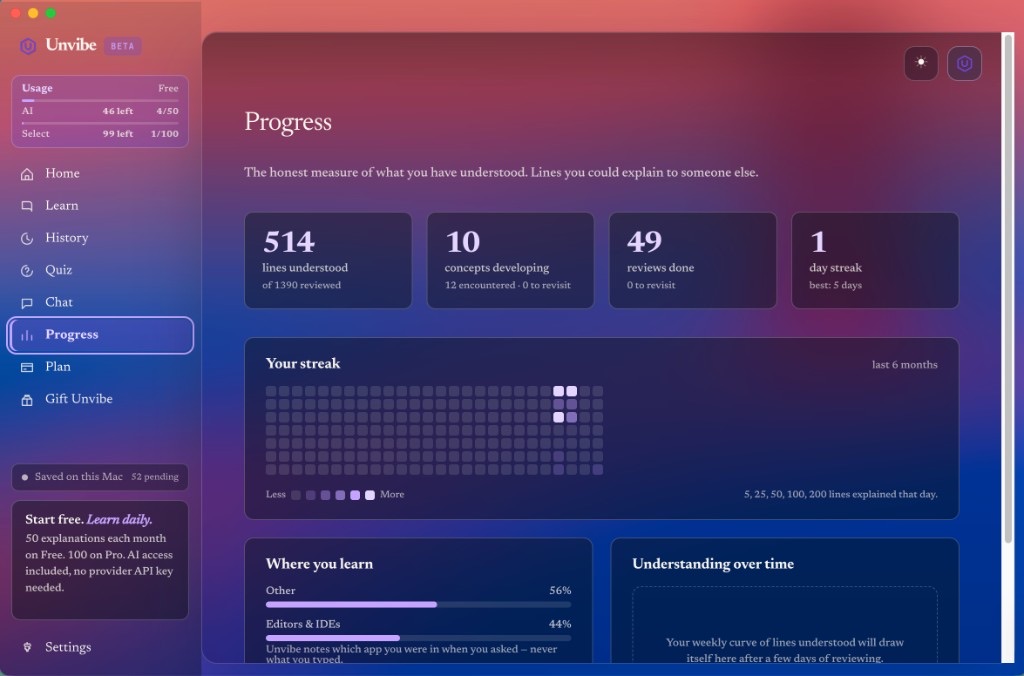
Progress screen

Progress

What you actually understood

Projects screen

Projects

Repos mapped to concepts

Study screen

Study

Curriculum from real code

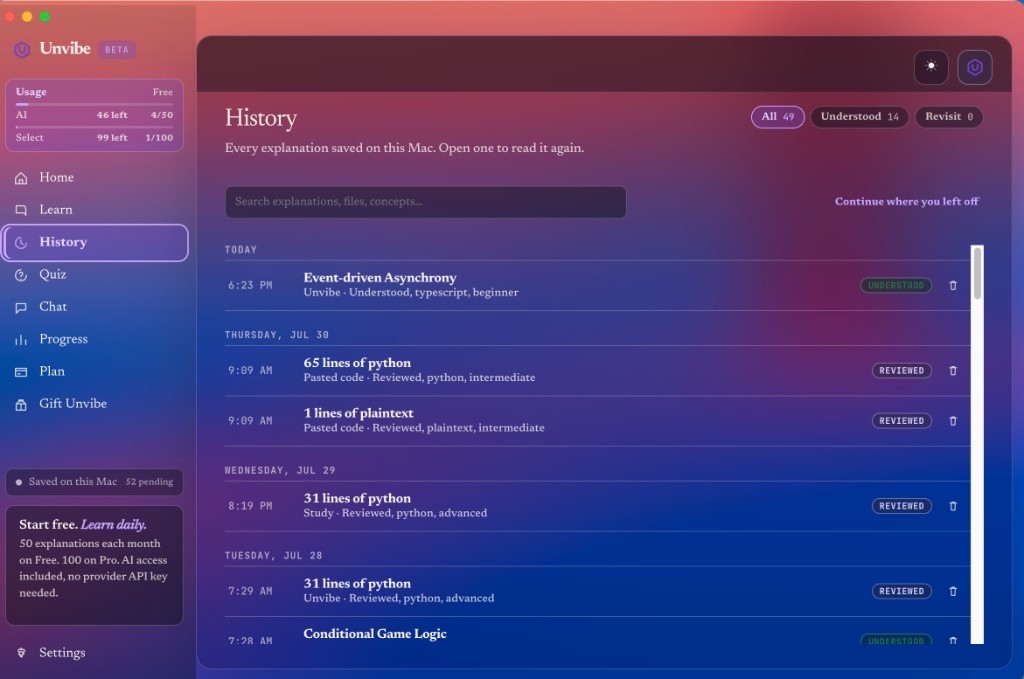
Notebook screen

Notebook

Saved explanations

The gap

Shipping code is not the same as understanding it.

AI closes tickets fast. But merged code you cannot explain becomes tomorrow's mystery bug. Unvibe turns the diff you accepted into something you actually know.

Your agent wrote this and you merged it
cart.ts
1export async function getCart(userId: string) {2  const key = `cart:${userId}`;3  const cached = await redis.get(key);4  if (cached) return JSON.parse(cached);5  const cart = await db.cart.find(userId);6  await redis.set(key, JSON.stringify(cart), "EX", 60);7  return cart;8}
What Unvibe helps you actually understand
cart:${userId}

Namespaced cache key so each user's cart is stored separately.

if (cached) return ...

Cache hit: skips the database entirely and returns early.

"EX", 60

The cache expires after 60 seconds, so stale carts self-correct.

It caches each user's cart for a minute to spare the database, and refreshes automatically when the cache expires.

How it works

Three quiet steps, right where you are.

1

Select the code

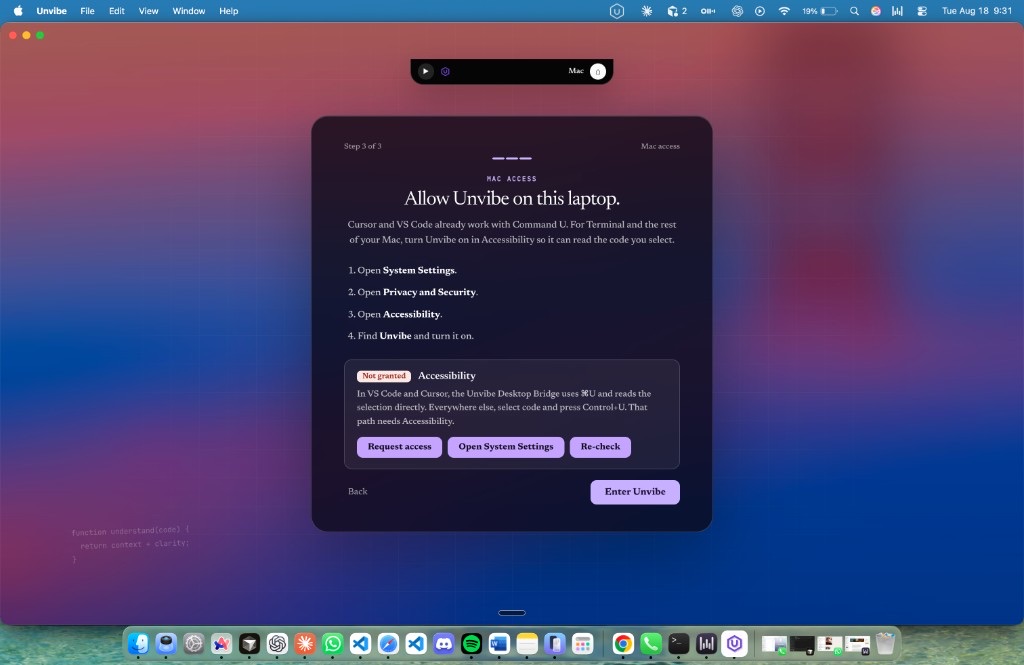
Highlight a snippet, an active file, or an uncommitted diff. Trigger Unvibe with a keystroke. It reads only what you point it at.

2

Choose your depth

New to code or seasoned engineer, pick the level that fits. The same snippet is explained plainly or with the trade-offs, on demand.

3

Learn beside your work

A calm widget streams the explanation with citations back to the code, then checks your understanding and saves it to your notebook.

Select the code
const total = items
.filter(i => i.active)
.reduce((a, i) => a + i.price, 0);
Explain selection

One snippet, five depths

From first day to staff engineer, on the same line of code.

Drag the depth from New to Expert and watch the explanation change. Nothing about the code moves — only how much it assumes you already know.

debounce.ts
1function debounce<T extends (...args: any[]) => void>(2  fn: T,3  wait = 3004) {5  let timer: ReturnType<typeof setTimeout> | null = null;6  return (...args: Parameters<T>) => {7    if (timer) clearTimeout(timer);8    timer = setTimeout(() => fn(...args), wait);9  };10}
closureshigher order functionstimers
Beginnerexplanation

debounce takes your function and returns a new version of it. Every time you call the new version it resets a countdown. Only when the countdown finishes without interruption does your original function actually run.

Try it yourself

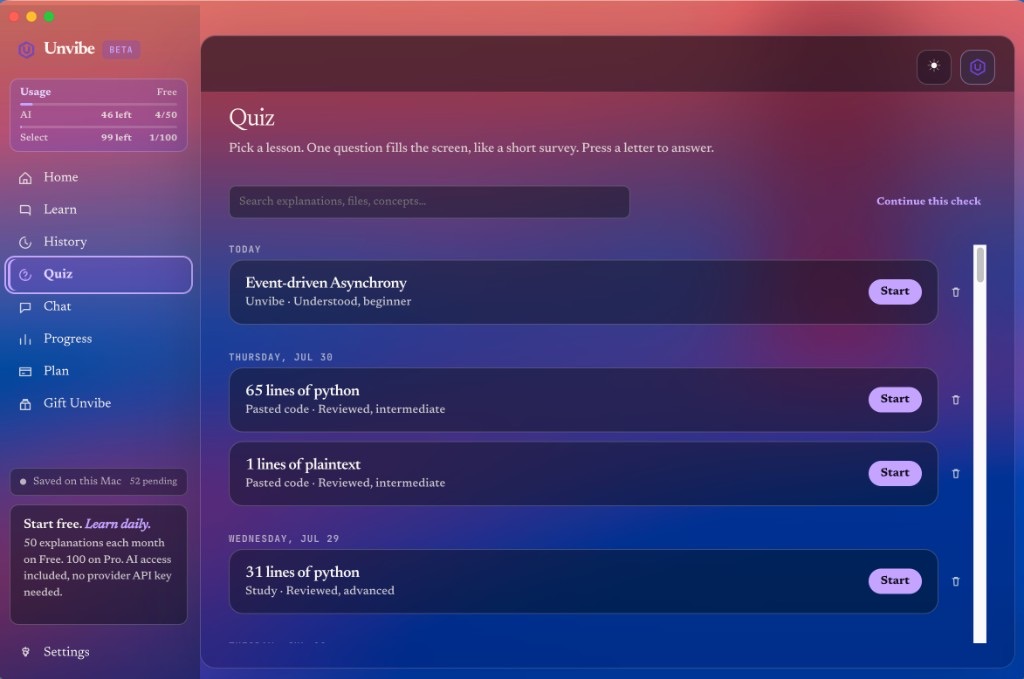
A comprehension check, no account required.

This is the same kind of question Unvibe asks after an explanation. Read the code, pick an answer, and see how it reads a correct or missed response.

Question 1 of 3Debounce
typescript
function debounce<T extends (...args: any[]) => void>(  fn: T,  wait = 300) {  let timer: ReturnType<typeof setTimeout> | null = null;  return (...args: Parameters<T>) => {    if (timer) clearTimeout(timer);    timer = setTimeout(() => fn(...args), wait);  };}

If you call the debounced function five times in quick succession within the wait window, how many times does fn run?

Privacy

Your code stays yours. By design, not by promise.

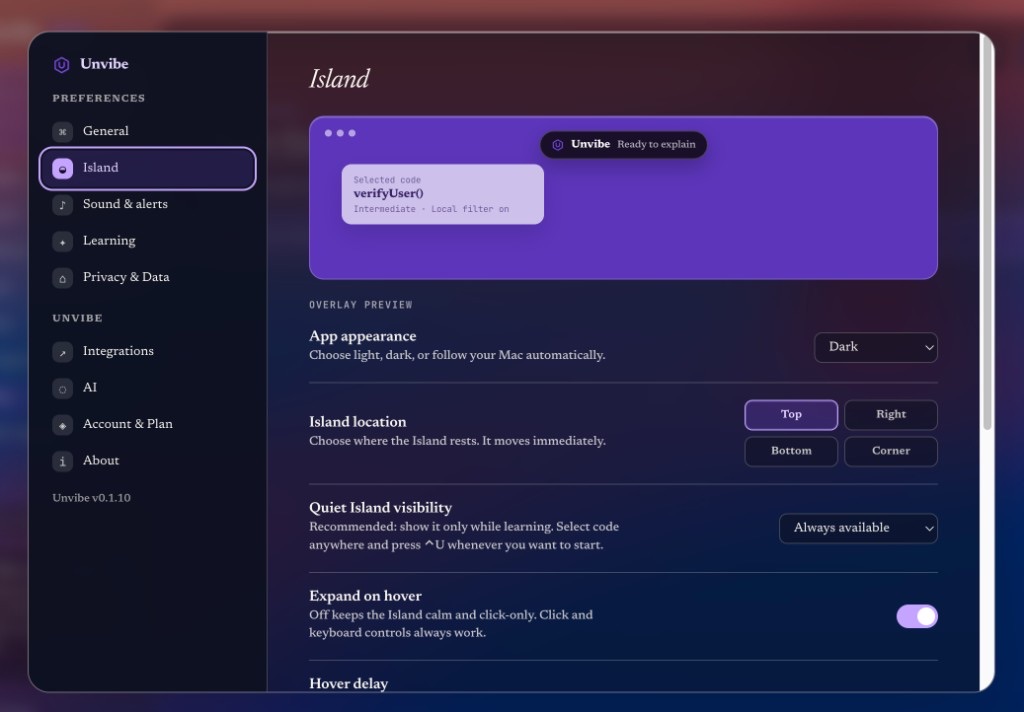
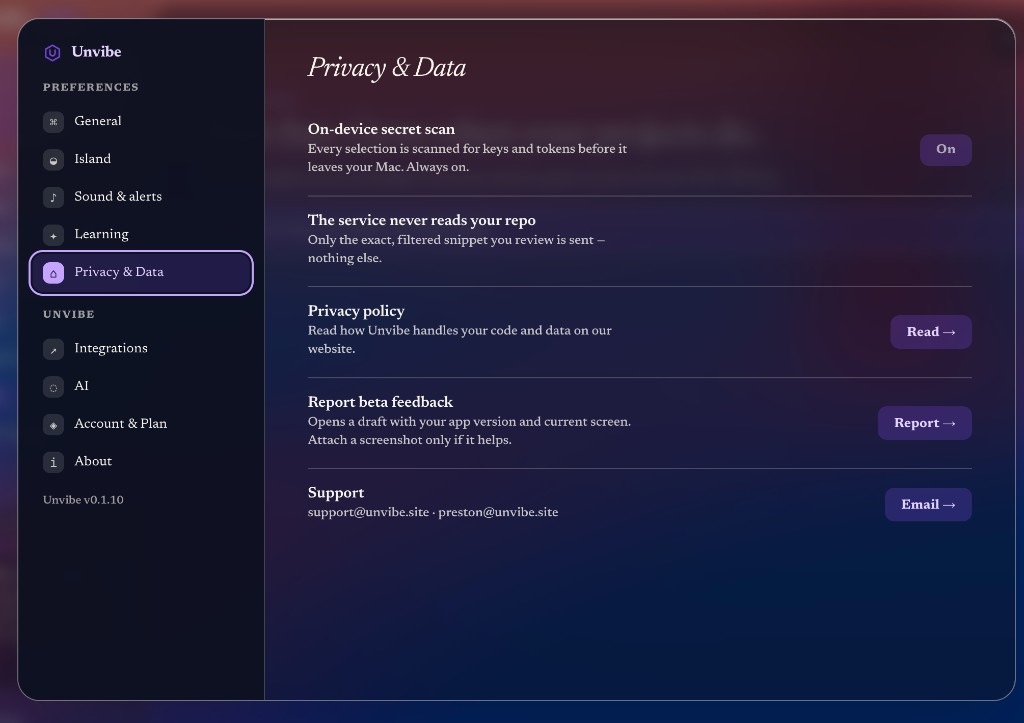
Unvibe builds context locally and filters secrets before any request. The whole repository is never uploaded, and cloud analysis is consent-gated per repo.

Secrets filtered on your Mac

API keys, tokens, and private keys are detected before anything is sent, and a hit blocks the request.

You preview what leaves

See exactly what would be transmitted, and grant cloud analysis per repository. It is off until you say so.

Never trained on your code

We use a provider setting that does not train on submitted data, and analytics never contain code contents.

Transmission previewbefore any request

Sent

  • Your selected snippet
  • The scope you approved
  • Shallow project structure

Blocked

  • .env and .env.*
  • *.pem · *.key · id_rsa
  • node_modules / build output
  • High-entropy secrets

Add your own rules with a .unvibeignore file.

Free waitlist

Get Unvibe free on Mac.

Completely free during beta. No credit card. No pricing page. Join the list and we email you when the Mac build is ready.

Free for everyone in beta. By joining you agree to our terms and privacy policy.

FAQ

Straight answers.

What Unvibe does, what it does not, and how it treats your code — no hedging.

Unvibe is a desktop AI learning layer for code. It lives beside your editor: select code, choose a depth, and get an explanation that stays open while you work. It also helps you save notes, track concepts, and turn real projects into study material. It is not a course platform or another chat window.

Ship with AI. Learn what you shipped.

Unvibe is free for everyone in the Mac beta. Join the waitlist if you want to understand agent-written code without leaving your editor.

Completely free · Mac first · No credit card · No pricing wall